
If you are unable to see the articles in the 'I'm an Advisor (or Admin)' category, you will likely need to log in.
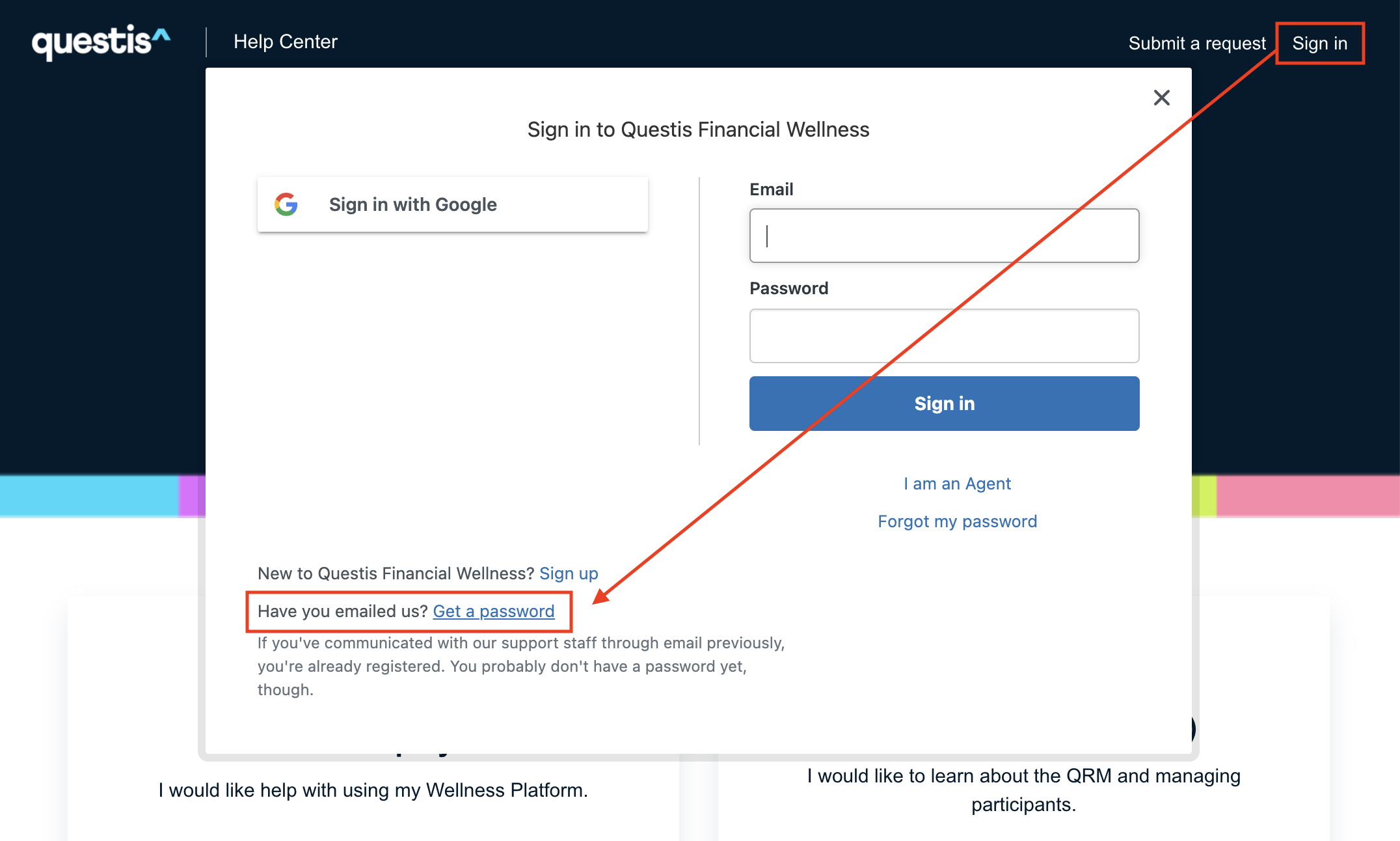
If you are an admin in the platform, and you have submitted a ticket before, you should already be tagged as a 'QRM user' in our system. To create a password and log in, click on the 'Sign in' button in the upper right corner of the helpdesk.
From here, click on 'Get a Password' next to 'Have you emailed us?'
Enter your email and click 'Submit'. You will be sent a link to create a password, and once you have set this you should be able to view all articles in the Advisor/Admin section.
If you have not yet submitted a ticket, click on 'Sign Up' next to 'New to Financial Wellness' and make your way through the prompts. If you are unable to view the articles after creating a new user account, please contact support@myquestis.com or just click the '(?) Support' button in the lower right hand corner of the screen.
Comments
0 comments
Please sign in to leave a comment.