
IMPROVED
Added QRM Administrator Capabilities:
Chat Enablement
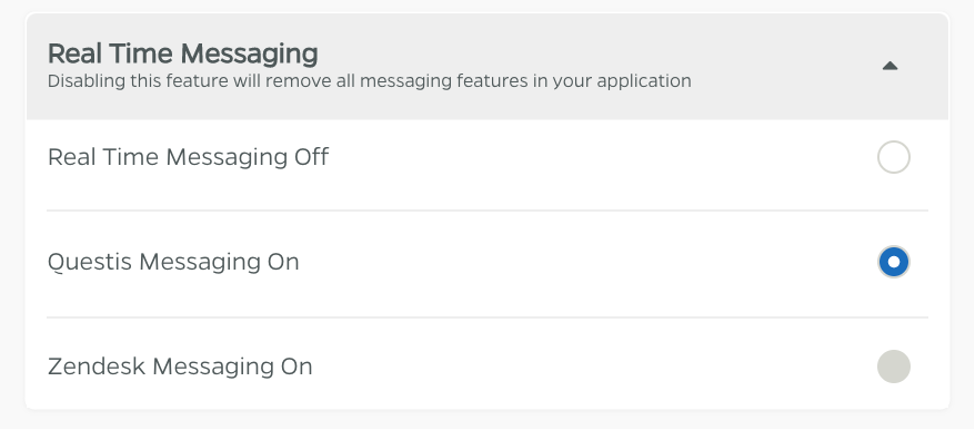
- QRM Admins now have the ability to enable or disable the integrated real time messaging feature on an organization. This is available within an organization’s App Config > Features. When ‘Questis Messaging On’ is enabled, the integrated chat feature displays to participants. Alternatively, when ‘Real Time Messaging Off’ is selected, chat capabilities do not display to the participant at all. ‘Zendesk Messaging’ option remains accessible only to Questis administrators; it routes chats to the Questis support team and is only available under contract.
Test Emails
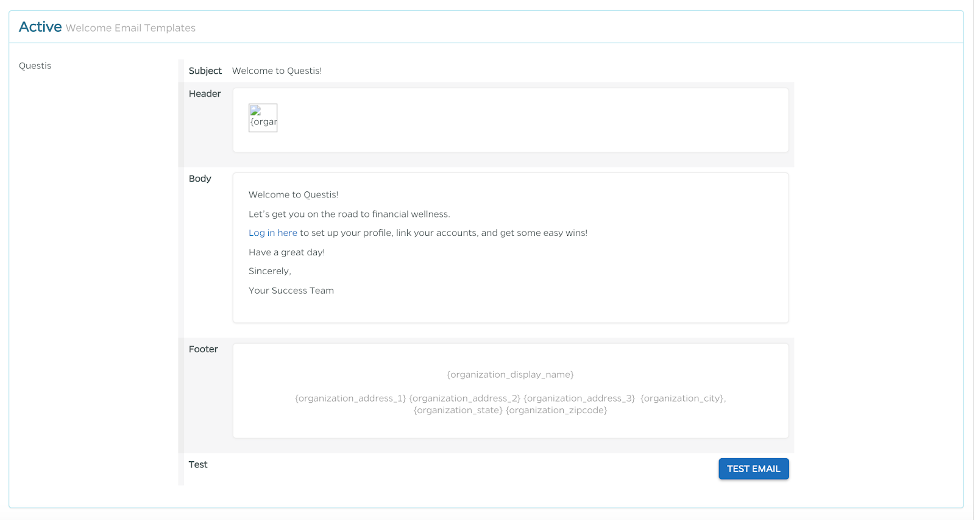
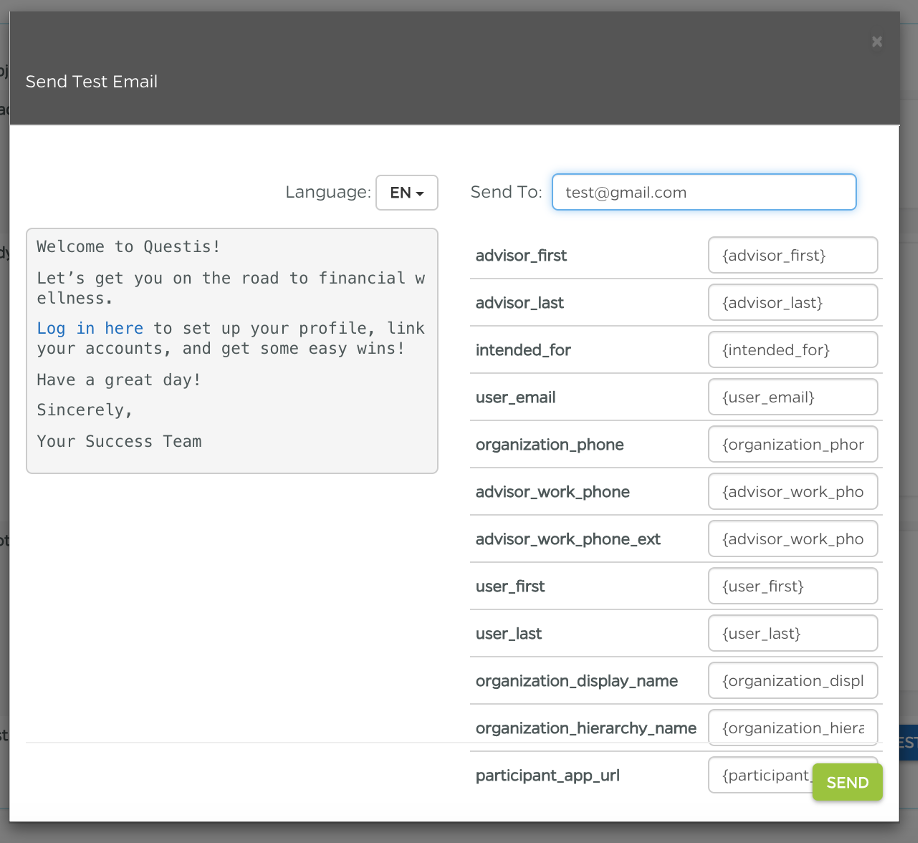
- QRM Admins now have the ability to test platform emails from an organization’s Content Management tab to preview the content prior to participant emails being sent from the platform. Scroll to the template that you wish to test and select the blue ‘Test Email’ button to open the ‘Send Test Email’ modal. Enter the email address you wish to send the test email to, as well as text for any placeholders that are used in the email.
FIXED
Resource Workflows
- A bug has been fixed to properly route a user back to their previous location (to-do, library or resource category) when accessing articles and resources.
Category Descriptions
- If a resource category has a description, the text will display on the participant view.

Goals Report Headers
- A bug in which already selected headers in the Goals Report showed as available in the list of headers to add has been fixed.
Comments
0 comments
Please sign in to leave a comment.