
You can easily delete accounts added manually to the platform. To do this, first navigate to "My Money" in the left hand navigation bar.
By default, you should land on the Accounts page. Click on the cog icon to manage your connections.

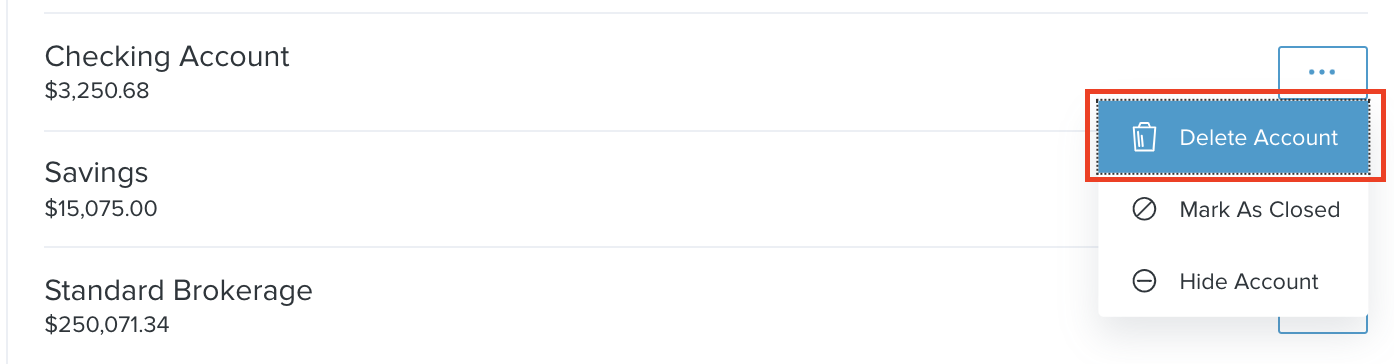
From here, click on 'Manual Accounts' and find the desired account. Click “•••” next to the account and select "Delete Account" from the drop down menu. Once selected, you will be prompted to confirm by typing "DELETE."
If you wish to hide or close an linked account, follow the instructions here.
Comments
0 comments
Please sign in to leave a comment.